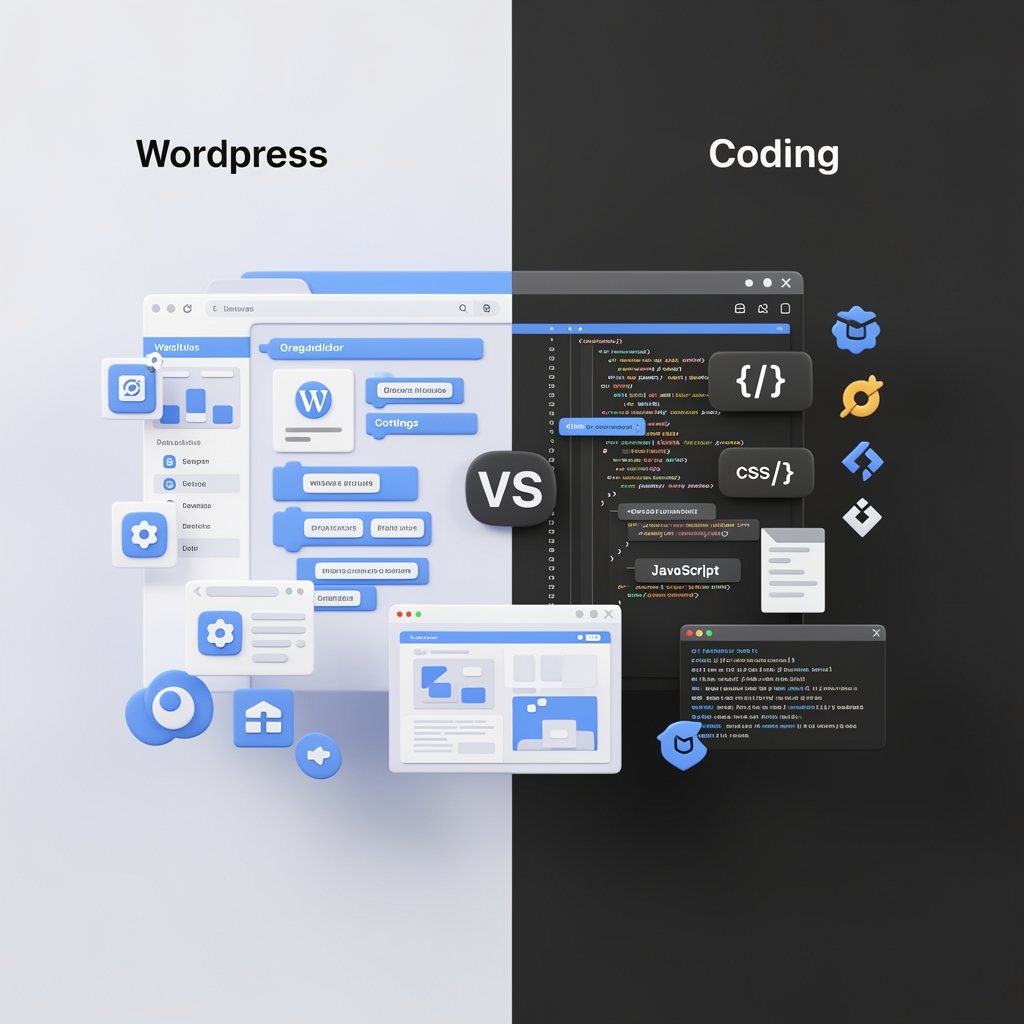
If you’re just stepping into the world of websites, digital projects, or online content, one question shows up almost immediately—and it stops a lot of people in their tracks:
Should I use WordPress, or should I learn to code and build everything myself?
Online discussions around this topic are often extreme. On one side, you’ll hear that “real” web work only happens through coding. On the other, people claim WordPress is all you’ll ever need to succeed. Both arguments miss the point.
The better approach isn’t choosing a side—it’s understanding what each option actually offers and where it makes sense. This guide breaks down WordPress and coding in a practical, beginner-friendly way so you can make a decision based on goals, not noise.
What Exactly Is WordPress?
WordPress is a content management system that lets you create and run websites without writing much code. It gives you a ready-made foundation: themes handle design, plugins add features, and a dashboard lets you manage pages, posts, and media with ease.
Although it started as a blogging platform, WordPress has grown far beyond that. Today, it powers business websites, portfolios, online stores, learning platforms, and large media portals.
In fact, a significant portion of the internet runs on WordPress, which shows it’s not a shortcut or a temporary trend—it’s a mature, widely trusted tool.
Why Beginners Often Choose WordPress
Quick Setup and Visible Results
One of WordPress’s biggest advantages is how fast you can get going. From hosting to a live website can happen in a single day. For beginners, seeing real progress early is a huge confidence boost.
Easy to Use, Even Without Technical Skills
You don’t need to understand programming to start. The visual editor lets you build layouts, add content, and structure pages intuitively. This lowers the barrier for anyone who feels overwhelmed by code.
Huge Plugin Ecosystem
Need SEO tools, contact forms, security features, backups, or payment systems? There’s probably already a plugin for it. This saves time and avoids reinventing the wheel.
Budget-Friendly Entry Point
WordPress is affordable to start with. Basic hosting and free or low-cost themes are enough to create a professional-looking site, which is ideal if you’re just beginning or testing an idea.
Excellent for Content-Driven Projects
Blogs, business websites, creators’ platforms, and informational sites all benefit from WordPress’s strong content management capabilities. Publishing and updating content is straightforward and efficient.
Where WordPress Has Limits
Custom Features Often Require Code
Themes and plugins cover a lot, but not everything. When you want very specific layouts, logic, or behavior, you’ll eventually need HTML, CSS, or PHP knowledge.
Performance Depends on How You Use It
Installing too many plugins or using poorly built themes can slow things down. Without proper optimization, a WordPress site can become bloated.
Security Needs Attention
WordPress is secure by default, but only if updates, plugins, and best practices are maintained. Neglecting these can introduce risks.
Reliance on Third-Party Tools
Your site depends on external developers for themes and plugins. If a tool is abandoned or changes its pricing, it may affect your project.
What Does “Coding from Scratch” Mean?
Building a website from scratch means creating everything manually. On the front end, this includes HTML, CSS, and JavaScript. On the back end, it could involve languages like PHP, Python, or JavaScript frameworks.
There’s no prebuilt system guiding your choices. You decide how pages load, how data is handled, and how users interact with the site.
Advantages of Learning to Code
Full Creative and Technical Freedom
With coding, you’re not limited by tools. If you can design it, you can build it. This is ideal for highly customized or complex projects.
Strong Long-Term Career Value
Programming skills are in demand across industries. Learning to code opens doors to jobs, freelance work, startups, and more than just website building.
Better Performance Potential
Custom-built sites are often lighter and faster because they don’t rely on layers of plugins or unnecessary features.
Deeper Understanding of the Web
Coding teaches you how browsers, servers, databases, and security work together. This knowledge makes you a more capable problem solver.
Challenges of Coding for Beginners
Steep Learning Curve
Programming takes time. Progress can feel slow at first, and many beginners struggle with frustration before things click.
Slower to Launch
Unlike WordPress, you won’t have a complete website immediately. Even simple pages require effort when built manually.
Overkill for Simple Projects
For basic blogs or small business sites, coding everything yourself can be unnecessary and inefficient.
Full Responsibility for Maintenance
When you build everything, you’re responsible for security, updates, bug fixes, and server configuration.
WordPress vs Coding at a Glance
WordPress helps you launch quickly and focus on results.
Coding gives you deeper skills and long-term flexibility.
WordPress is easier and cheaper to start.
Coding offers broader career opportunities over time.
So… What Should a Beginner Do?
Here’s the honest answer.
If your main goal is to blog, build business websites, freelance quickly, or create content, WordPress is usually the better starting point. It lets you ship real projects, learn how websites function, and even earn money early.
If your goal is to become a professional developer, work on complex applications, or pursue technical roles, then learning to code should be your priority.
The Smarter Hybrid Path
Many successful creators don’t choose one forever.
They start with WordPress to learn about hosting, domains, SEO, and real-world client needs. Then they add HTML and CSS to customize properly. Later, they learn JavaScript and backend development as projects demand it.
This approach reduces frustration, creates early wins, and builds both practical and technical skills over time.
Final Thoughts
There is no universal winner.
WordPress is a tool.
Coding is a skill.
Tools help you move fast. Skills give you long-term leverage.
What matters most isn’t how you build—it’s that you build, learn, and improve consistently. Start where progress feels achievable, then level up when you’re ready.
That’s how real growth happens.